
THE INVORAWEB JOURNAL

Ideas for a better digital presence.

Practical thoughts, fresh ideas and a look at the details behind the websites we build.

Website Experience

Small details that make a website feel better

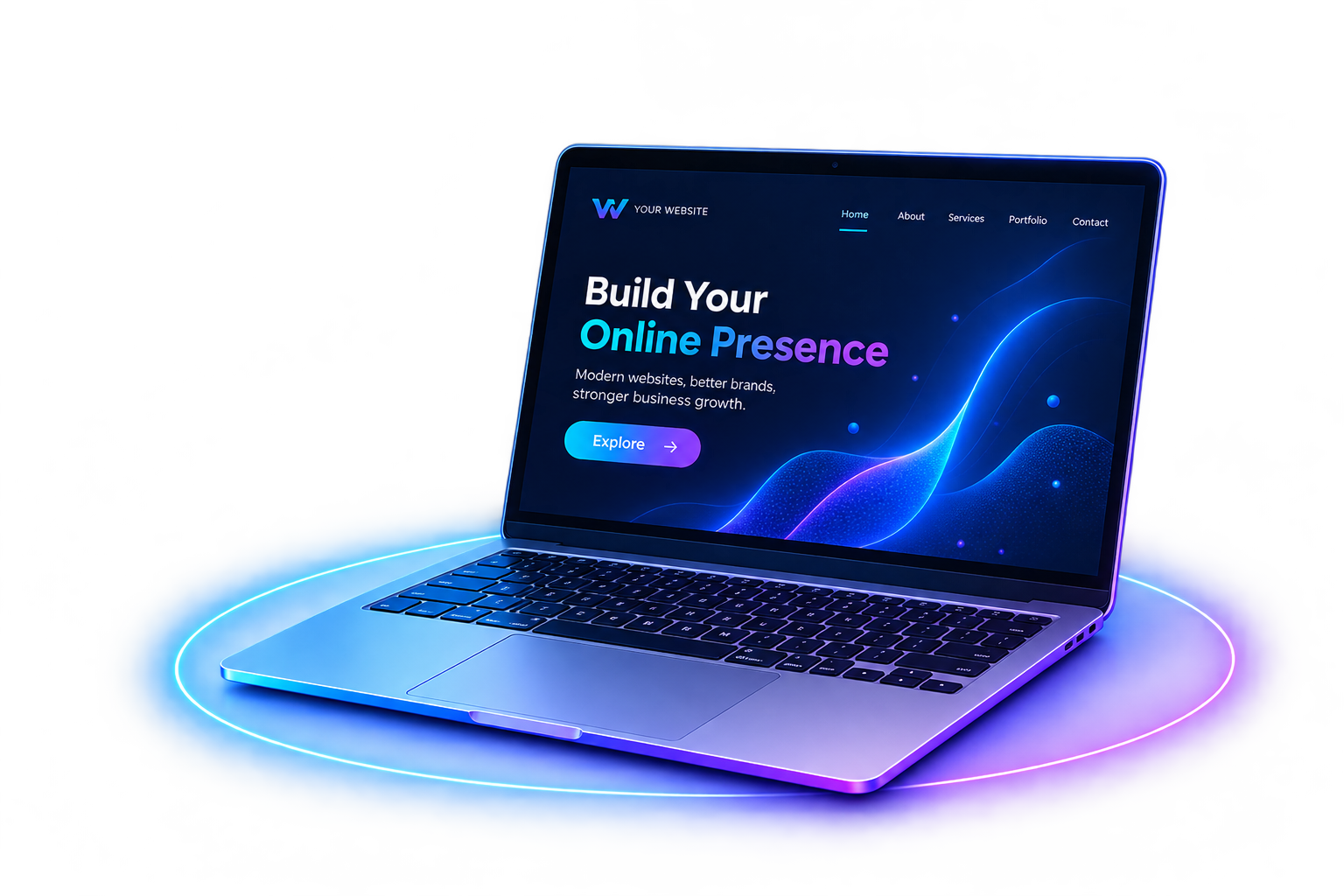
A website experience is shaped by more than its first impression. We look at the details we refined today—from readable themes and consistent navigation to a laptop visual that responds to your cursor.

Read full article

Good website design is not only about how a page looks. It is also about how clearly people can move through it, read its content and understand what to do next.

Make every theme comfortable to read

Light and dark themes both need deliberate text and background colors. We reviewed the light theme on the InvoraWeb homepage and About page, paying special attention to small labels, feature lists and cards where pale text can disappear against a light surface.

Keep navigation and shared details consistent

People should be able to find key pages without guessing. Consistent navigation and a useful footer help connect the site, including service information, contact options and legal pages.

Add interaction with a light touch

On desktop, the homepage laptop now gently tilts toward the mouse pointer and returns to its resting position when the pointer leaves. It is a small cue that makes the hero feel responsive without asking visitors to learn a new interaction. The effect respects reduced-motion preferences and is not enabled on touch devices.

These details work best when they support the content instead of competing with it. That is the kind of thoughtful polish we want every part of a digital experience to have.

Have a project in mind? Let’s talk
Business Websites

What makes a school website useful for families?

A school website should make it easy for families to find the information they need, whether they are researching admissions or checking a daily update.

Read full article

Families often visit a school website with a specific question. Clear navigation helps them find an answer without having to search through long pages or guess where a link might be.

Put the most useful information first

Admissions, term dates, contact details and school updates should be easy to spot. Use descriptive menu labels and keep frequently needed information close to the homepage.

Make every page comfortable on a phone

Parents may be browsing while away from a computer. Readable text, responsive page layouts and touch-friendly links make it easier to check information on smaller screens.

Keep information current and accessible

Consistent headings, meaningful link labels and current notices help all visitors understand the content. A simple review routine can prevent old dates and outdated forms from staying online.

A useful school website puts families first: it answers common questions clearly and makes the next step easy to take.

Planning a school website? Let’s talk
Mobile First

Why your website needs to work beautifully on mobile

A mobile-friendly site is more than a desktop layout squeezed onto a smaller screen. It is designed around the way people read, tap and move on mobile.

Read full article

On a phone, limited screen space makes every design decision more noticeable. A good mobile experience helps visitors understand the page and complete their task without unnecessary effort.

Make content easy to scan

Use clear headings, short paragraphs and comfortable line spacing. Keep the main message near the top so visitors can quickly decide whether they are in the right place.

Design controls for touch

Buttons and navigation links need enough space to tap accurately. Keep important actions visible and make sure text remains readable without pinching or zooming.

Check the full journey

Test more than the homepage. Forms, menus, contact links and checkout flows should all work smoothly on a small screen, with no clipped content or sideways scrolling.

Starting with the mobile experience encourages focused content and clear actions, then those same improvements carry over to larger screens.

Need a mobile-ready website? Let’s talk
SEO Basics

A practical SEO checklist for a new website

A few sound foundations can make a new website easier for search engines to understand and easier for people to use.

Read full article

Search visibility grows from useful pages and a technically accessible site. Before chasing advanced tactics, make sure the basics are in place.

Give every page a clear purpose

Write a descriptive page title and a concise heading that reflect what the page actually offers. Organize related information with useful subheadings, and link between pages where it helps readers.

Make the site easy to crawl

Check that important pages can be reached through navigation, use descriptive URLs and submit a current sitemap. Fix broken links and avoid publishing duplicate or unfinished pages.

Prioritize a useful experience

Pages should load reliably, work on mobile and provide helpful content. Compress large images and make sure visitors can quickly find contact information or the next step.

SEO is ongoing work, not a one-time switch. Review how pages perform and improve the content that helps your audience most.

Want help improving your SEO? Let’s talk
E-commerce

How a simpler checkout can help online stores

A clear checkout gives shoppers confidence and removes avoidable steps between choosing a product and placing an order.

Read full article

Checkout is where product interest turns into a purchase. If the process is confusing or asks for too much too soon, customers may leave before finishing.

Ask only for what the order needs

Keep forms focused, label each field clearly and explain why required information is needed. Where possible, let people check out without creating an account first.

Make costs and delivery clear

Show shipping fees, estimated delivery and the final total before payment. Unexpected costs late in the process can undermine customer confidence.

Build trust through useful details

Offer familiar payment options and make returns, support and order confirmation information easy to find. Ensure checkout works as well on mobile as it does on desktop.

A shorter, more transparent checkout makes buying easier while giving customers a clearer sense of what to expect.

Planning an online store? Let’s talk

You may have missed